
 Last
Updated: 12/10/2025
Last
Updated: 12/10/2025
 ( 7 minutes reading )
In some specific scenarios, web hosting providers or server administrators may want to restrict the creation of certain domain names within their Plesk web hosting environment. The main purpose of this is usually done to prevent users from registering or adding domains that may be reserved (e.g., example.com, domain.com, or localhost), domains that belong to brands or companies for legal reasons, domains that may interfere with the web hosting’s internal infrastructure or email routing, and domains that are used for phishing, spam, or abuse. Of course, there may be other reasons a server administrator may want to prohibit particular domain names. Fortunately, Plesk provides a built-in way to prohibit specific domain names from being added to the server by any user, including customers and resellers. This ensures tighter control over your hosting environment and prevents unauthorized use of domain names.
In this tutorial, we’ll show you how to prohibit domain names in Plesk using the domain blacklist feature.
Let’s get started!
To start adding domain names to the server’s domain blacklist, ensure you have logged in to your Plesk control panel. To do that, please type in your IP address, hostname, or domain name inside your browser search bar and add “:8443” at the end. It should look something like: https://yourdomain.com:8443. By doing that, you will be prompted by a login form requiring your username and password.
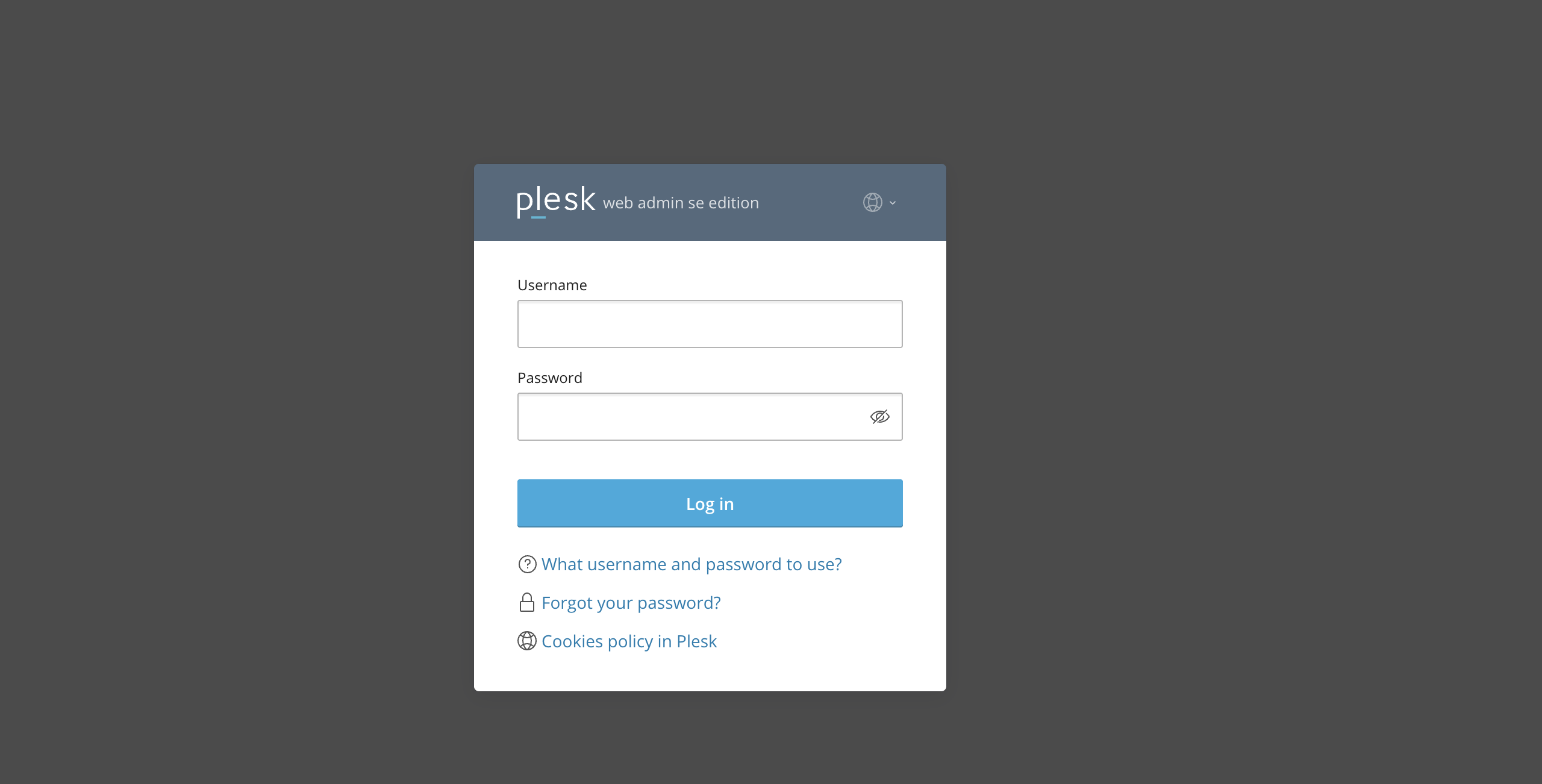
Once logged in, Plesk will automatically display the “Websites & Domains” page, which will be the index page every time. In the middle, you will see a table section containing a list of all your websites.
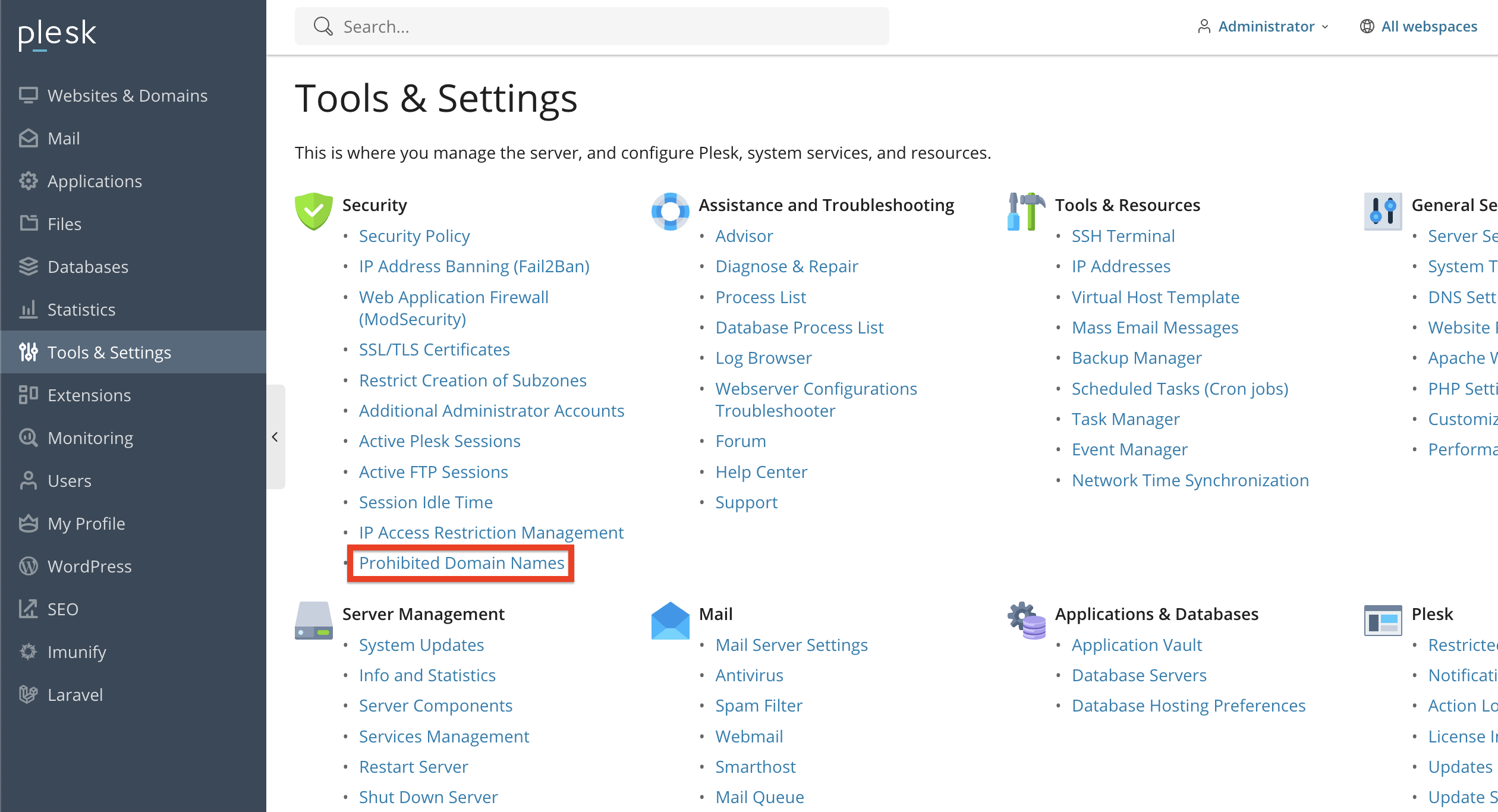
From the index page, please point your attention to your menu on the left side. You will see a wide variety of options. Please click on the “Tools & Settings” option.

Performing this action will redirect you to the “Tools and Settings” page, where you will see exactly what you would expect - a huge list of links with tools and configuration options for your server, domains, and websites.
To start adding domains to the server’s “Prohibited Domains List”, please click on the “Prohibited Domain Names” functionality, located at the bottom of the “Security” category.
Upon doing so, you will be redirected to the page where you can start adding or removing domains from the server’s domain blacklist.
On this page, you will see a table section containing a list of the domain names that Pleks prohibits by default.
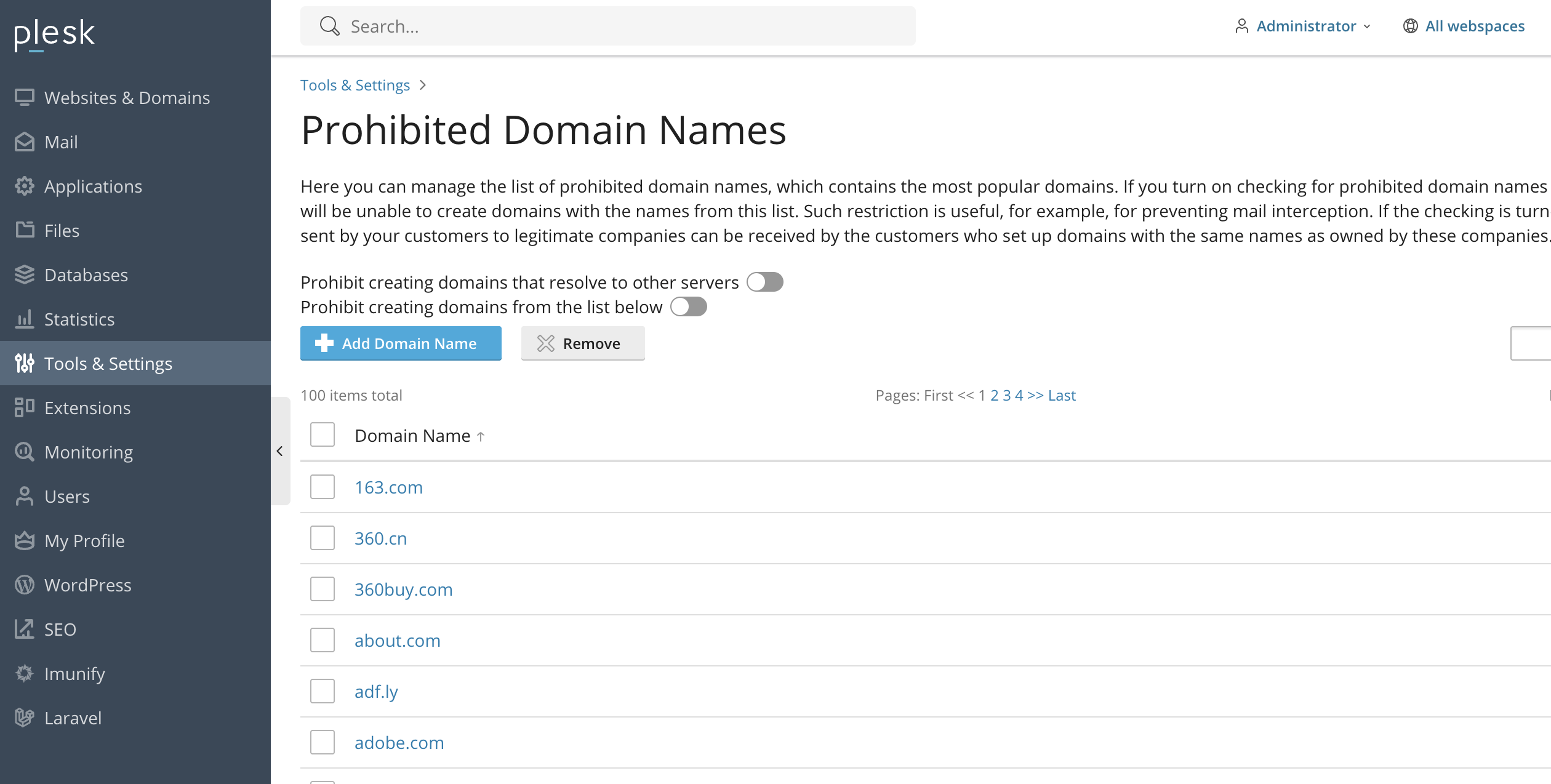
Right above the table, you will see two radio buttons and two buttons. Let’s go over what they do.
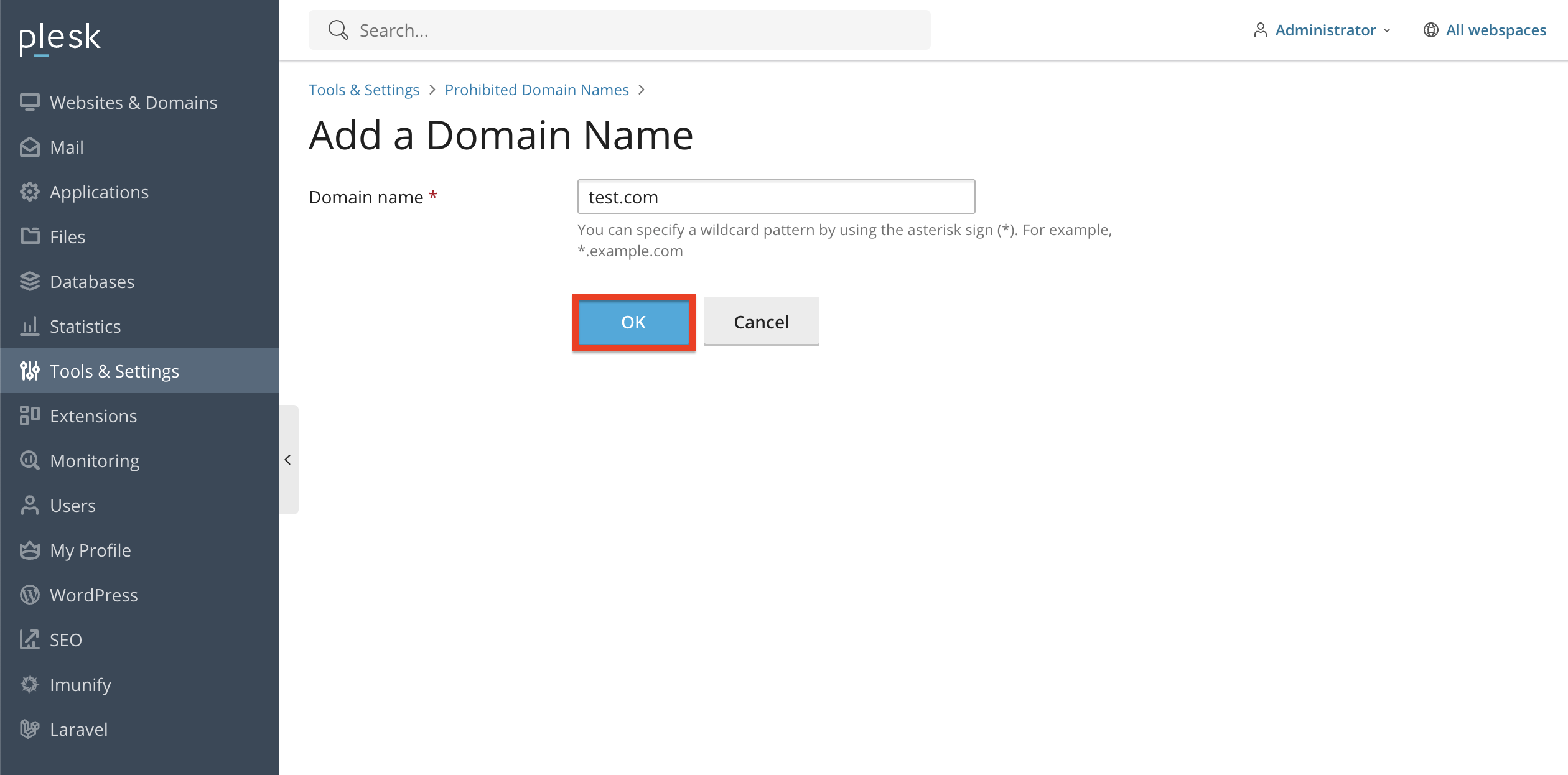

Restricting domain name creation in Plesk is a helpful way to maintain server security, brand integrity, and operational control. With just a few straightforward steps, you can prevent unauthorized or problematic domain names from being used on your server.
We hope that this tutorial has shown you how to quickly and safely prohibit specific domain names in Plesk.

Nikola is an accomplished tech-savvy extraordinaire with over six years of experience in the web hosting field. He started as a customer care representative and quickly rose the ranks to become a support supervisor and, eventually - the head of the technical department in HostArmada. His deep understanding of the client's needs, combined with his technical knowledge, makes him the perfect man to create the ideal harmony between client satisfaction and professional problem-solving. You will often find him creating helpful tutorials, articles, and blog posts that help existing customers get around.
Learn more about Plesk in the other tutorials that we have:


