
Learn Website Builder
 Last
Updated: 08/17/2026
Last
Updated: 08/17/2026
 ( 1 minutes reading )
SitePad Website Builder is part of the cPanel service. Therefore, you will need to first log in to the cPanel service before you can take advantage of the numerous features this website builder has to offer.
Once logged in, scroll down and navigate to the Software section and click SitePad Website Builder.
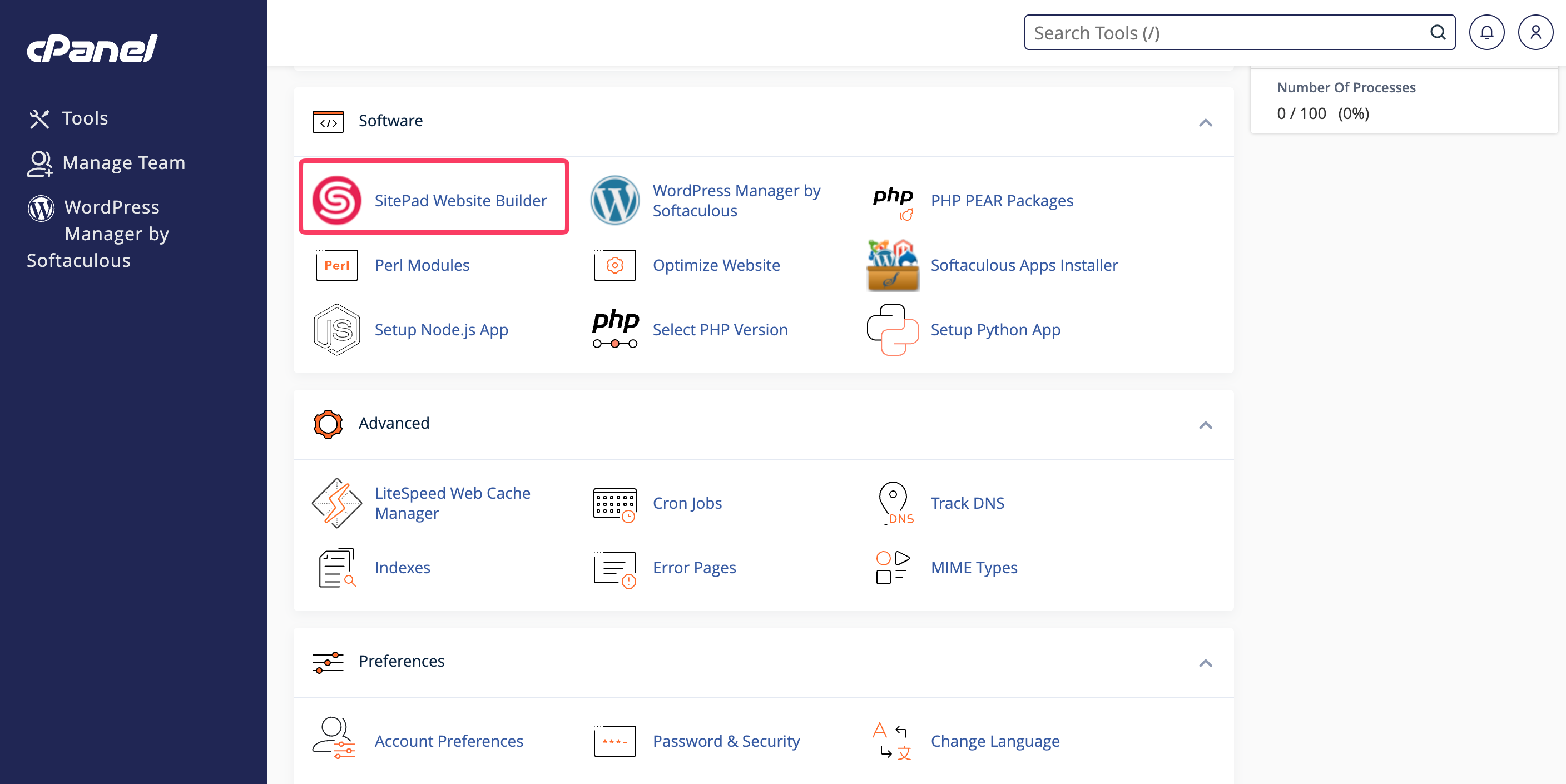
This will redirect you to the default page, where you can easily create new websites or manage your existing ones.

Emman is a Content Manager at HostArmada where she helps make complex topics accessible for readers around the world. With 5+ years of experience in crafting SEO content, she’s passionate about making tech topics easy to understand. In her free time, Emman enjoys traveling and watching Formula 1/E races.
Learn more about Website Builder in the other tutorials that we have:
