If English is not your native language and you are not fluent in it, it is a great idea to change the language of your cPanel. This change will surely increase your accessibility in regards to the features the cPanel has to offer. Here is what you need to do to modify the language:
- Please log into your cPanel account.
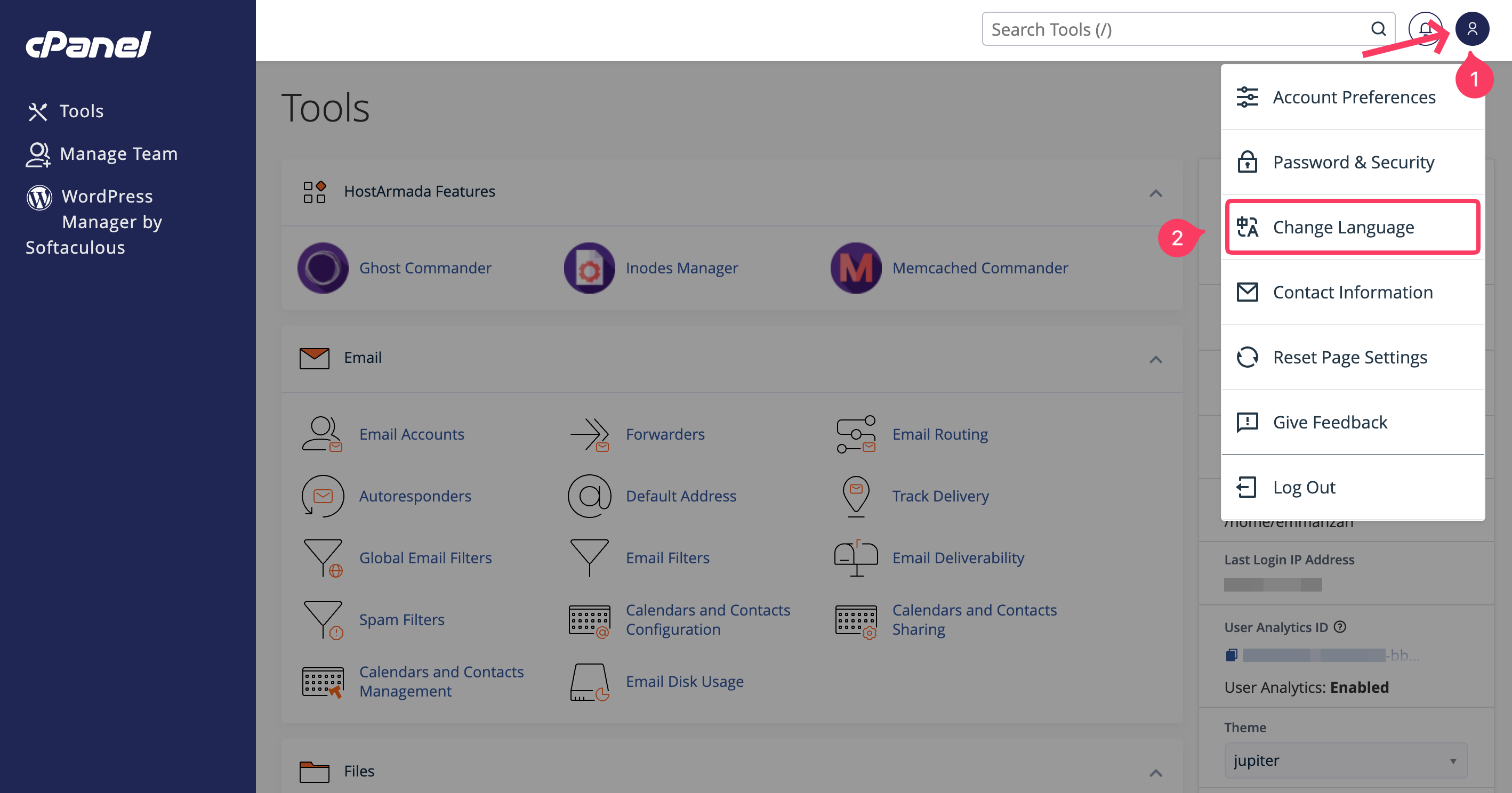
- Once logged in, press on your profile icon in the top right corner of the screen. After that, select the Change Language option from the dropdown menu.
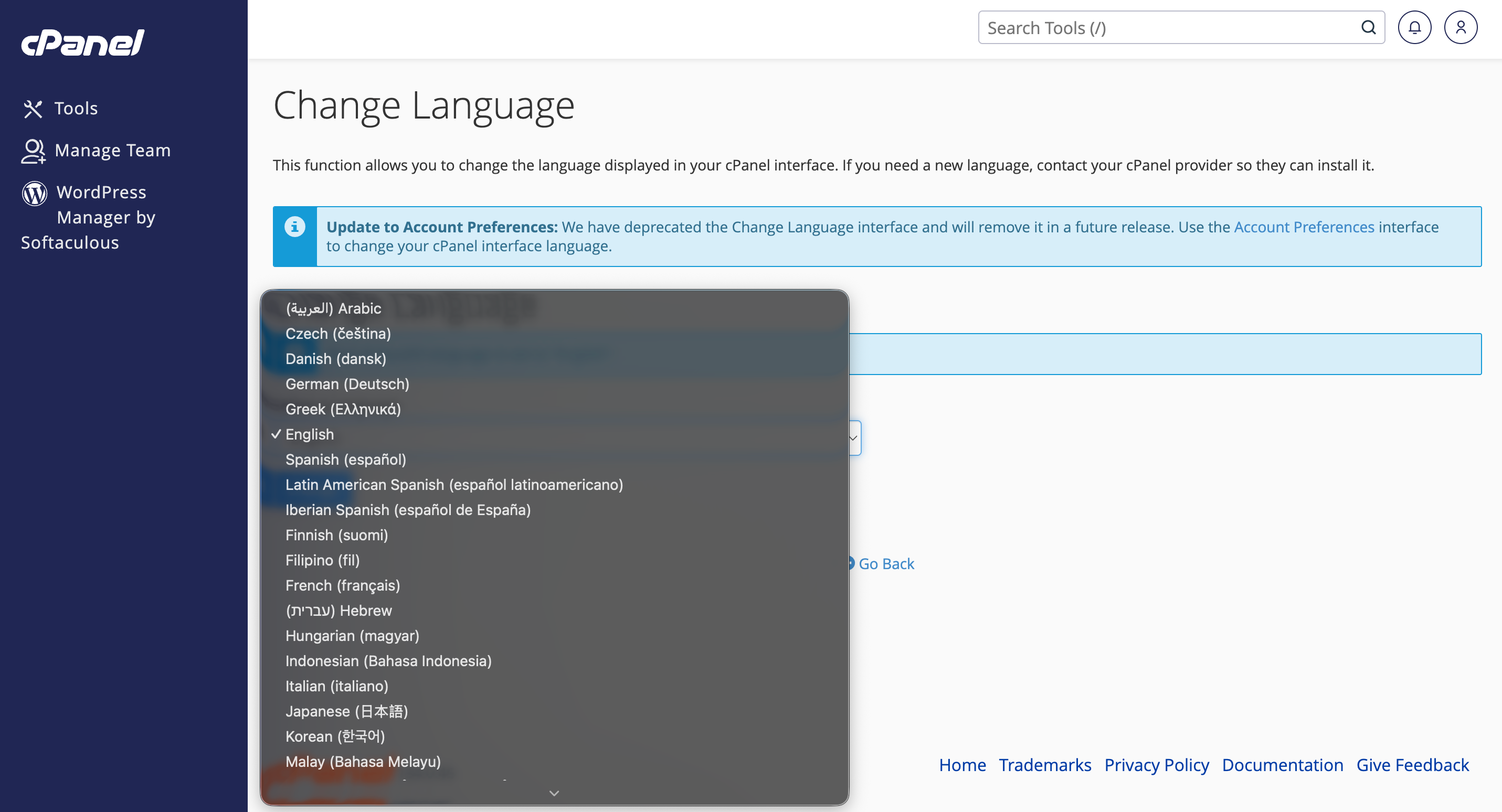
- From the Select a Language dropdown menu, select your desired language from the list of languages.
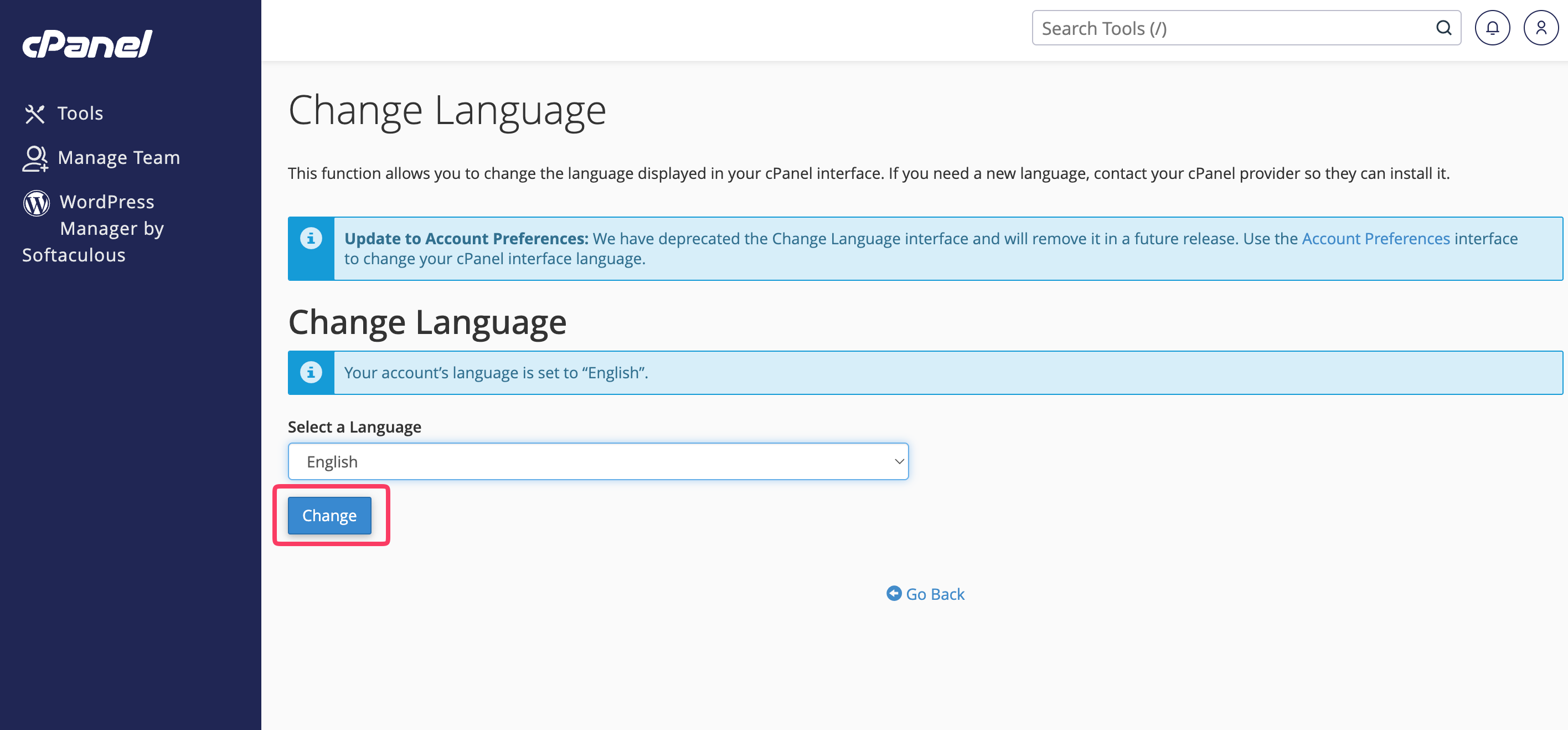
- Lastly, press the Change button beneath the dropdown menu to apply the new language.